Approval period
The organization Approval period decides how Time-it groups hours for approval: by day, by week, or by month. Everyone in the organization uses the same choice. On the screen the week option is labelled WEEK. Open Settings → System → Time-it → General.
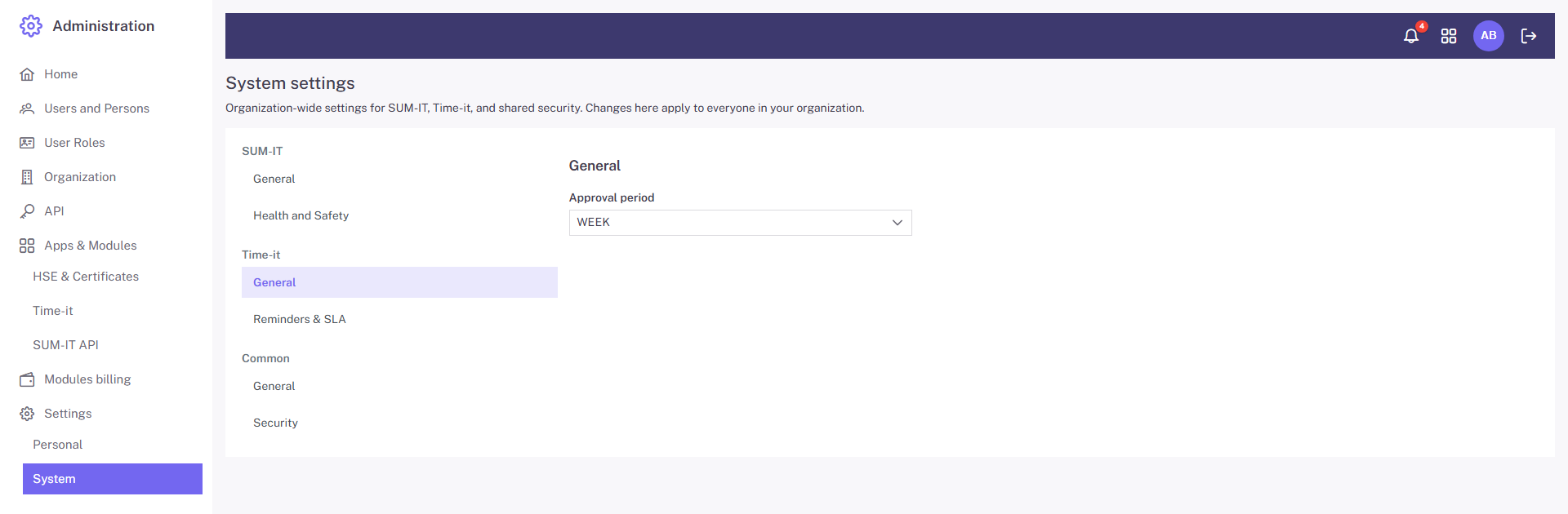
If people already have time entered or sent for approval, change this with care. The app may ask you to confirm before it saves the new period.
Permissions
You need the System settings Edit permission. With the System settings View permission only, you can see the value but not change it.