Open Administration
You reach Administration with the web address your organization or your administrator gave you, or from the apps icon (four small squares) in the top bar of another app you already use, such as SUM-IT or Time-it.
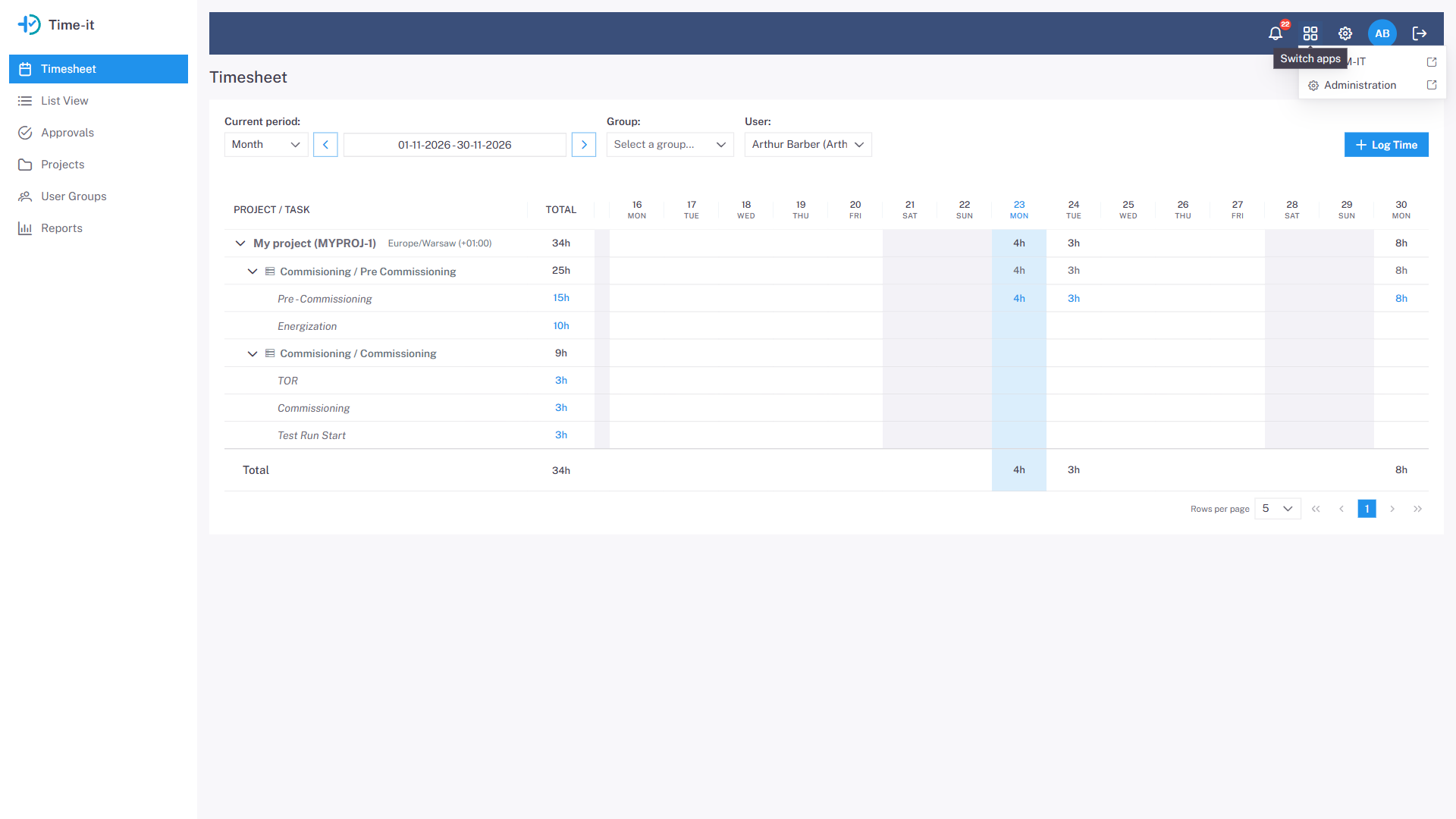
The Switch apps menu in the top bar of Time-it, with Administration in the list. The same menu appears in SUM-IT.
Usual ways in
- Open the Administration web address directly in the browser. Use the address your organization or your administrator gave you.
- In another app’s top bar, click the apps icon (four small squares), then choose Administration. Use the arrow if you want it in a new tab. The same apps icon appears in Administration when you want to open another app.
- From Time-it, the gear opens Administration on Settings.
After you sign in you usually land on Home. If you clicked the gear icon in Time-it, you land in Administration Settings instead.
If you cannot open Administration
You need a user role that includes Administration access. If Administration is missing from the Switch apps menu, or a menu you expect is missing after you sign in, ask an organization administrator to check your role under User Roles and Users and Persons.